Become a proficient user of filters in just 15 minutes. Learn how to set filters, keyboard shortcuts, slicers and more advanced settings. Episode 2 of the Excel Top-10 series by PowerConcepts.
Become a proficient user of filters in just 15 minutes.
Learn how to set filters, keyboard shortcuts, slicers and more advanced settings.
Episode 2 of the Excel Top-10 series by PowerConcepts.
Created by the CEO of PowerConcepts, Frank Byl.
Find out more on powerconcepts.ca
About this video
This 14:53 video is one of 24 free Excel videos in the Power Concepts library, and pairs with our instructor-led Excel courses.
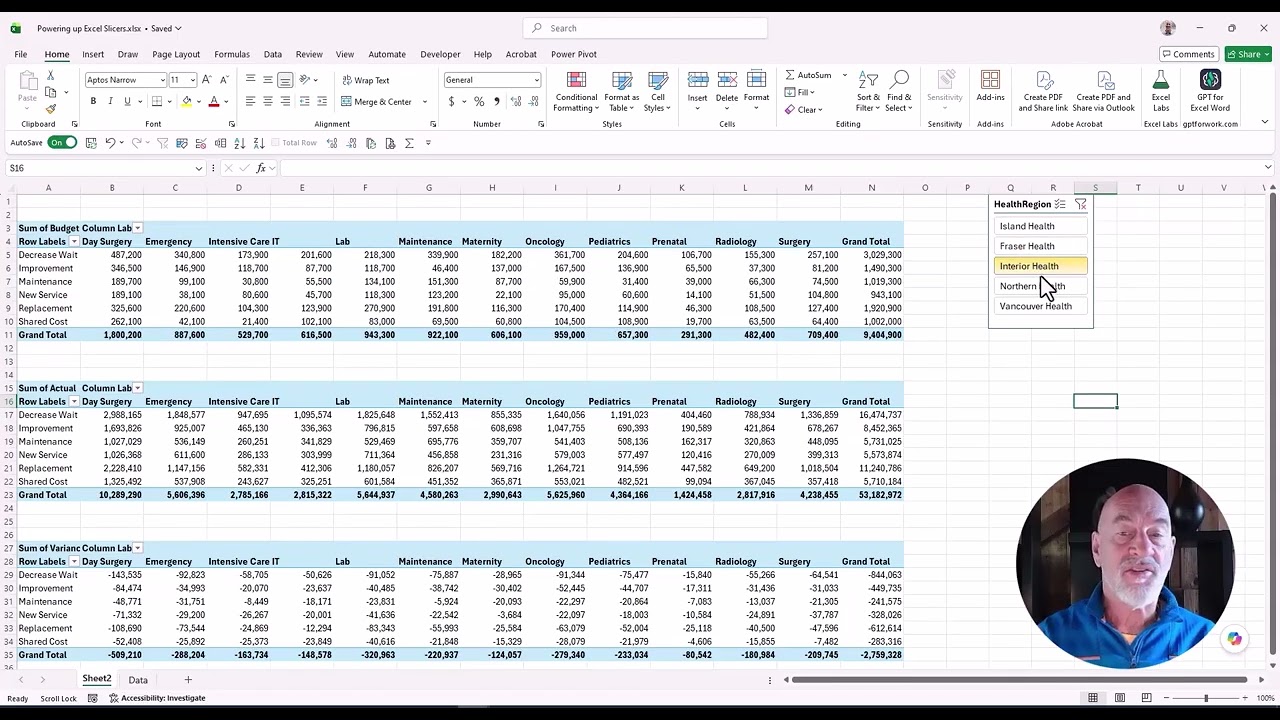
By connecting a slicer to mulitple pivot tables or pivot charts it forms a foundation for building an interactive dashboard and making it easy to compare tables. Download the practice file and learn this skill…
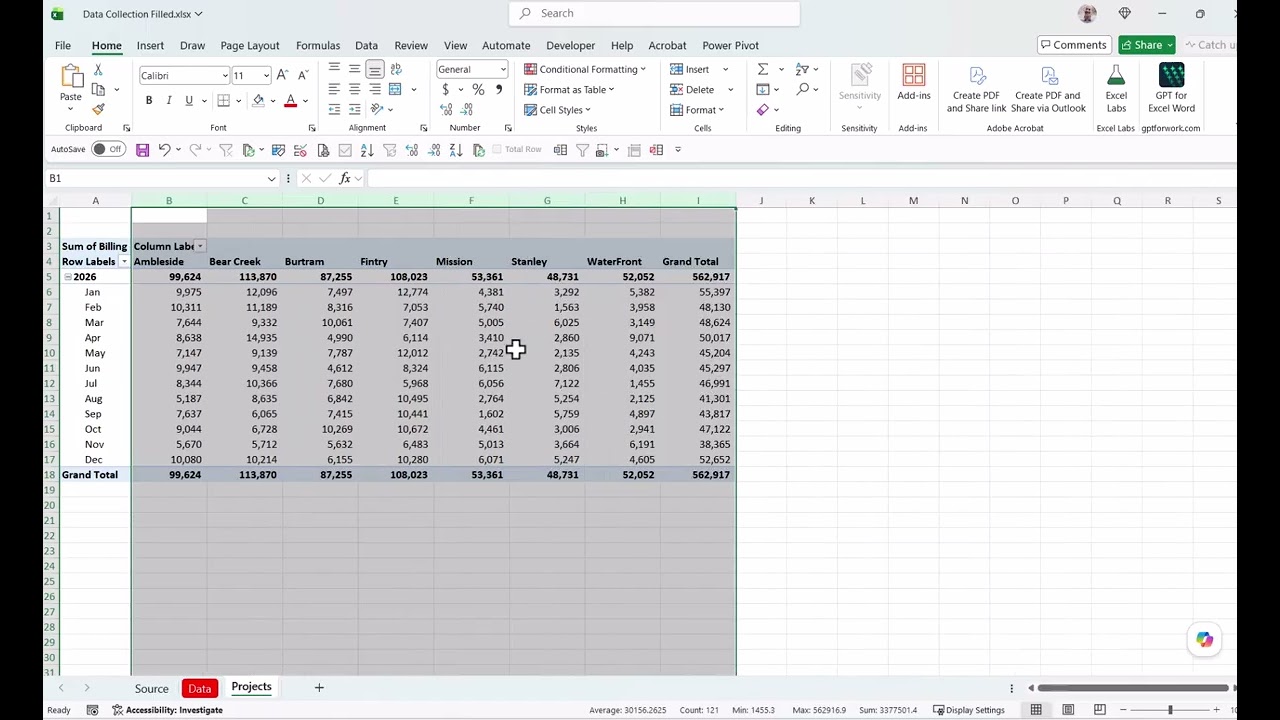
Learn four must do steps when creating a Pivot Table. Then instead of recreating multiple reports learn how to copy that "perfect" source pivot table to create multiple reports quickly and easily. Download this practice file to follow…
When working with many sets of data it is wise to turn them into tables. This video shows how to turn it into a table and then some of benefits including automatically appending columns and rows, auto fill formulas, sorting and filtering…
Also in Microsoft, Mastering Microsoft in Two Minutes
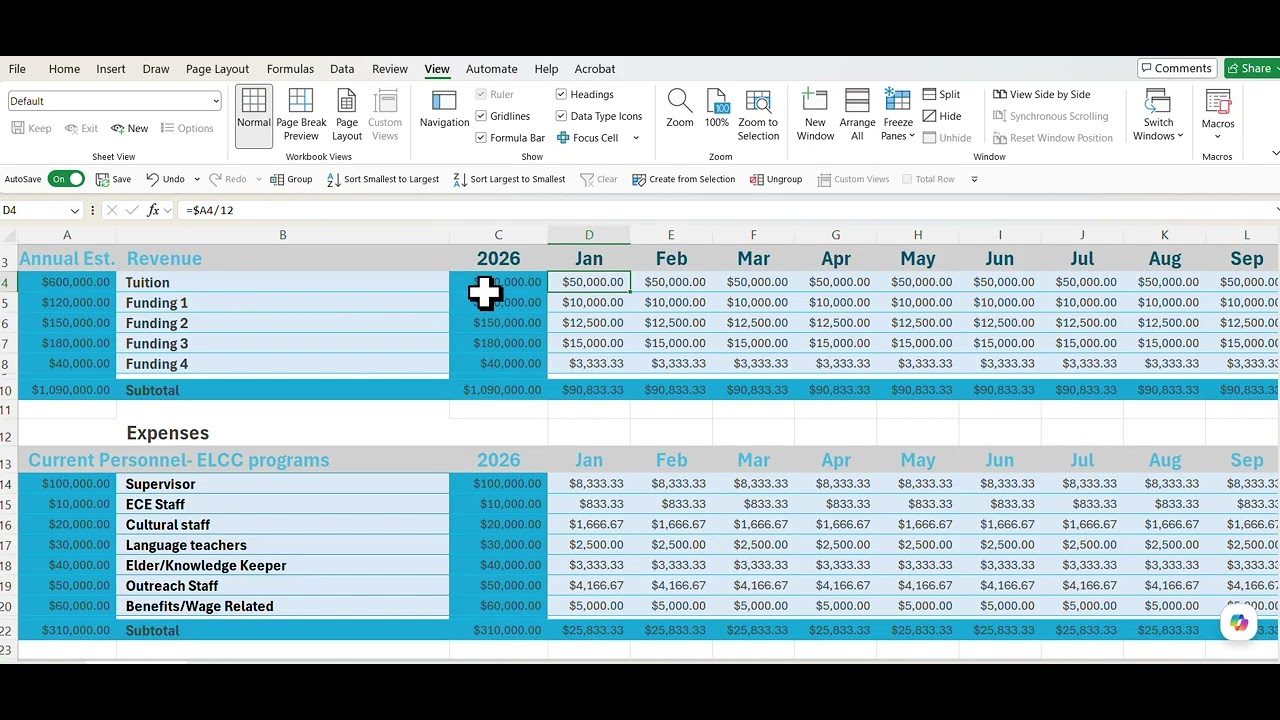
When your data is larger than your screen you might lose sight of the headings on the top or on the left making if difficult to know what you are looking at. Here is a quick and easy way to over come that.