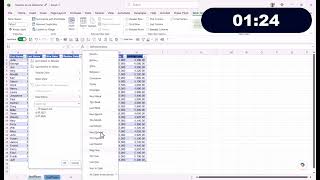
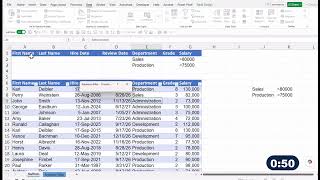
When working with many sets of data it is wise to turn them into tables. This video shows how to turn it into a table and then some of benefits including automatically appending columns and rows, auto fill formulas, sorting and filtering…
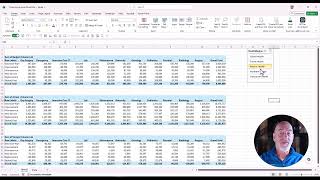
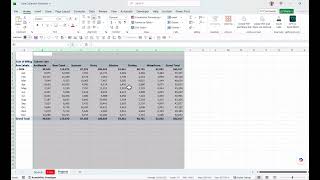
By connecting a slicer to mulitple pivot tables or pivot charts it forms a foundation for building an interactive dashboard and making it easy to compare tables. Download the practice file and learn this skill https://student.powerconcep…
Learn four must do steps when creating a Pivot Table. Then instead of recreating multiple reports learn how to copy that "perfect" source pivot table to create multiple reports quickly and easily. Download this practice file to follow…