TurboCharge your Outlook Calendar
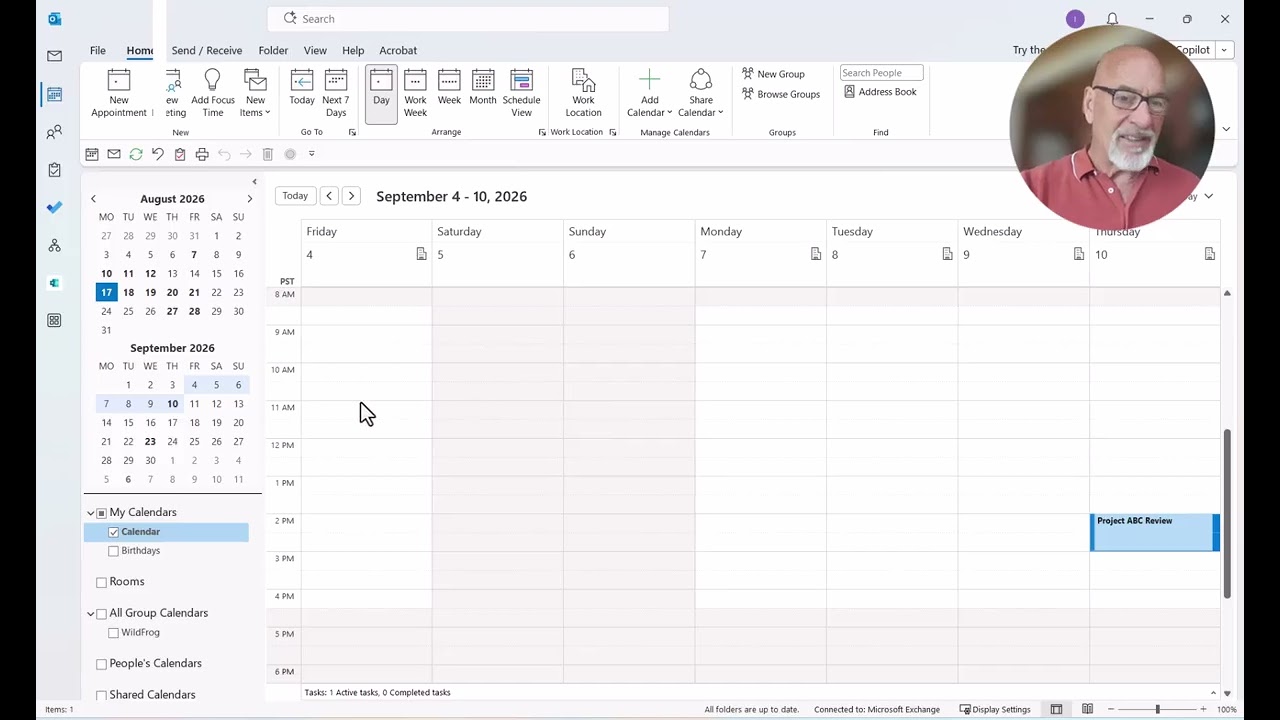
Learn ten tips on how to navigate and use your calendar more effectively. Part 2 of our 5 part series on how to use Outlook more effectively…

The First Outlook Change I Make for Busy Managers
Browse our free written guides for other topics, or see every video in the library.
The First Outlook Change I Make for Busy Managers
Most managers are using Outlook the hard way
Over the years I've worked with thousands of managers and supervisors. Most of them have the same challenge:
Too much email Too many meetings Too many interruptions Too many things to remember
The surprising part is that many are working harder than necessary because Outlook isn't set up to support the way managers actually work.
In this week's video, I'll show you a few simple changes I make on almost every manager's computer, including:
✅ The Quick Access Toolbar
✅ Keyboard shortcuts I use every day
✅ How to get to important Outlook screens instantly
✅ Small changes that save hundreds of clicks each week
These aren't advanced techniques. They're simple improvements that help you spend less time managing Outlook and more time managing your work.
This is video #1: The First Outlook Change I Make for Busy Managers
Next week I'll show you to set up and Outlook Dashboard, one Outlook screen, I use to manage my entire workday.
Frank Byl PowerConcepts Ltd.
This 07:04 video is one of 2 free Outlook videos in the Power Concepts library, and pairs with our instructor-led Outlook courses.
Learn ten tips on how to navigate and use your calendar more effectively. Part 2 of our 5 part series on how to use Outlook more effectively…
These lessons follow the numbering in the original titles and descriptions.