Create switches in your Microsoft Word 2010 Mail Merge fields so that your merged data appears the way you want it to! This easy to follow tutorial will show you how use switch codes to make your currency and date fields look like actual…
If you ever need to create a Table of Contents for your Microsoft Word 2010 documents, look no further! This short Microsoft Word 2010 video from www.powerconcepts.ca will show you had to quickly and easily create a Table of Contents in…
Check out this short Microsoft Word 2010 video from PowerConcepts website: www.powerconcepts.ca. To learn more about how to create and modify your own Styles in Microsoft Word 2010 or to learn quick and easy tips about Microsoft Office 2…
Formatting a large document can be a breeze when you take advantage of the Styles feature in Microsoft Word 2010. Watch this short video from www.powerconcepts.ca to see how to assign and quickly make changes to the Styles in your Micros…
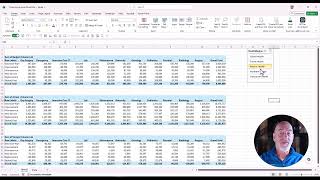
By connecting a slicer to mulitple pivot tables or pivot charts it forms a foundation for building an interactive dashboard and making it easy to compare tables. Download the practice file and learn this skill https://student.powerconcep…